
Dialova team ·
Introducing the New Dialova
The joy of live chat, members to discover, and conversations to continue in private: welcome to the new Dialova.

Dialova is back with a new interface and a renewed desire: to rediscover the simple pleasure of chatting. A greeting in the chat room, a conversation that starts, a username you recognize the next day… It’s these small exchanges that bring a chat to life.
If you’re new to Dialova, here’s a look at what you can do.
Come in, the discussion is open
Once connected, you arrive in the main chat room. Messages occupy the center of the screen, present members are to the side, and you can join the conversation whenever you like.
You don't need to craft a perfect opening line. A suggestion for an outing, a song to share, a question about your day: a live discussion can start from almost anything. You can also take the time to read the exchanges before participating.
chat rooms allow multiple people to chat in an interface that provides space for messages. Nicknames, timestamps, and tabs help you follow the thread, even when multiple conversations overlap.
Put a Profile Behind a Nickname
Chat is often the starting point. The Our Members page allows you to discover the people in the community and view their profile.
Looking for someone whose nickname you remember? A search is all it takes to find them. You can also browse members and refine your search with the filters offered, including age, location, or the presence of a photo.
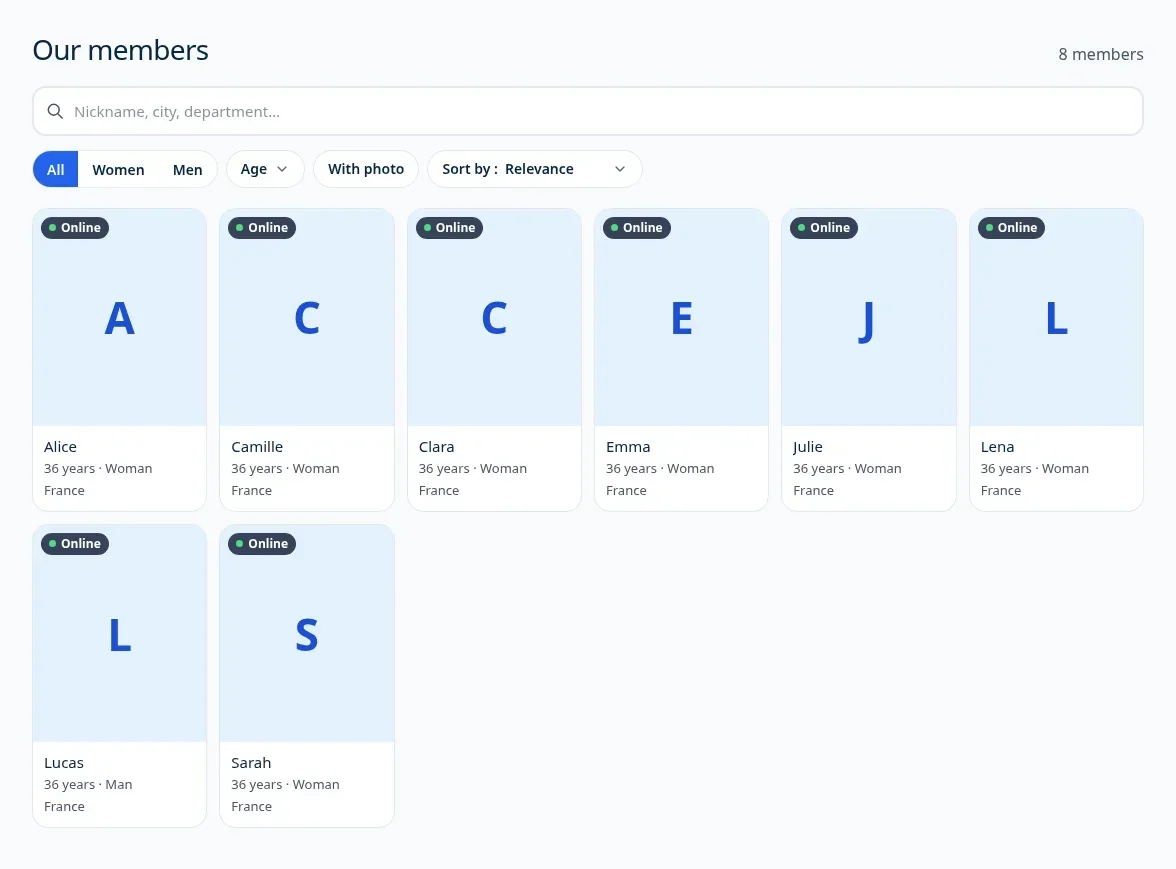
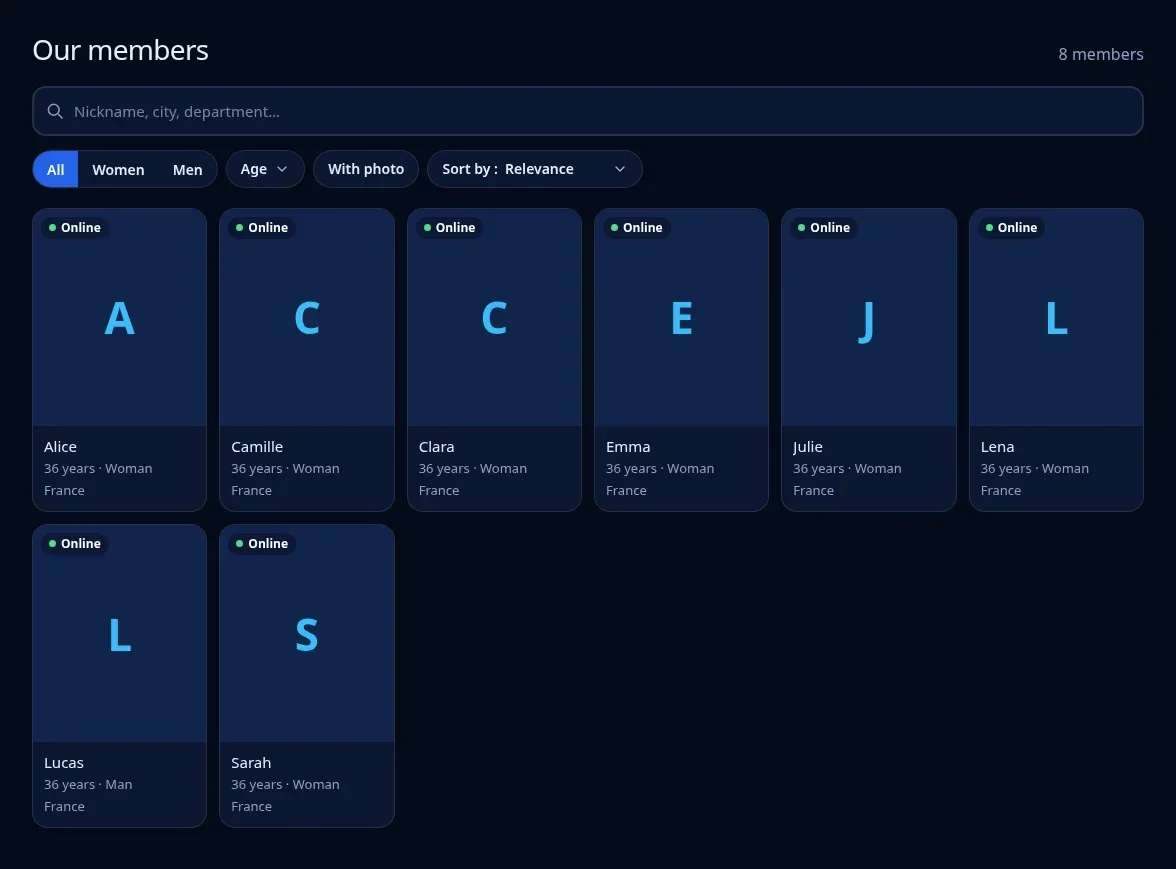
A profile gives you some context before starting a conversation. And if you want to chat with this person, the Send a Message button directly opens a private exchange.
Keep the Conversation Going One-on-One
Some discussions deserve their own space. From a profile, you can switch to a private chat and continue the exchange without interrupting the channel.
The conversation opens in a chat tab. This keeps the channel within reach and allows you to return to the group discussion whenever you like. Received messages will notify you that someone has replied to you.
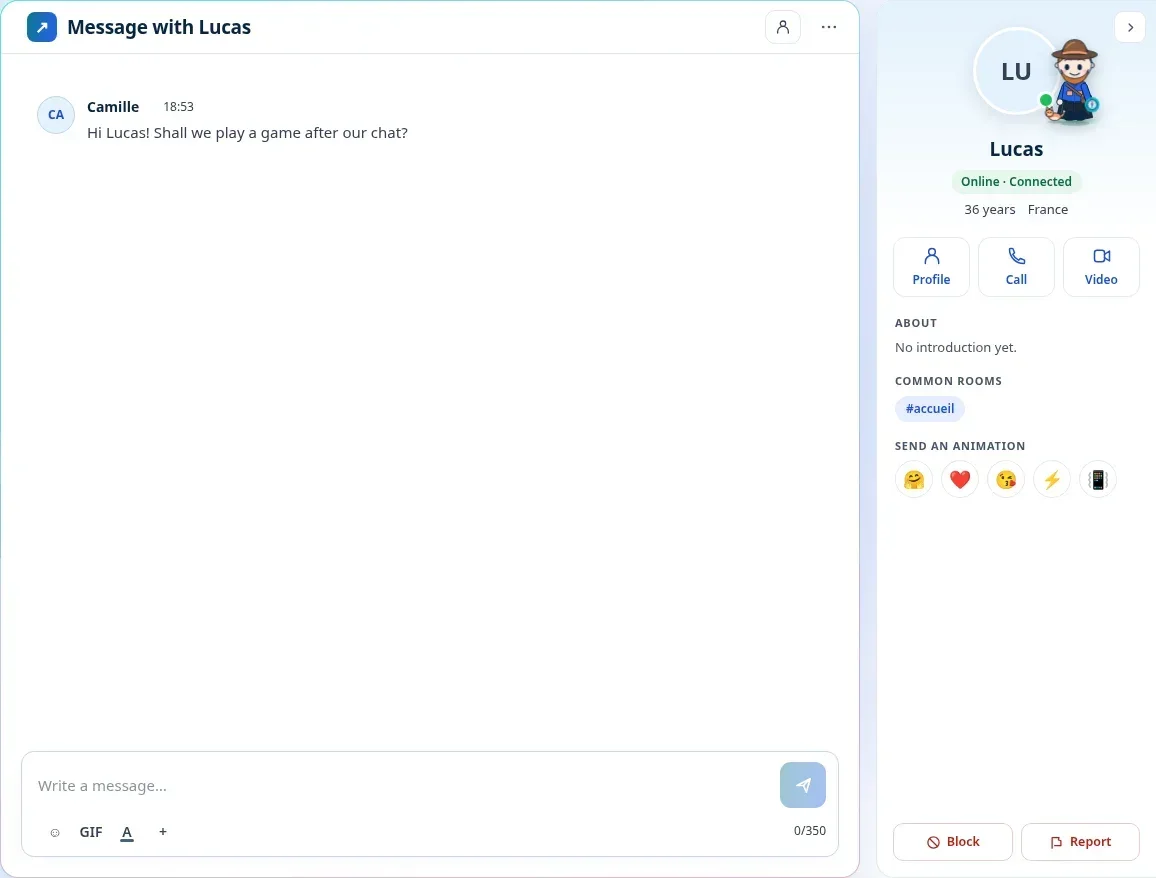
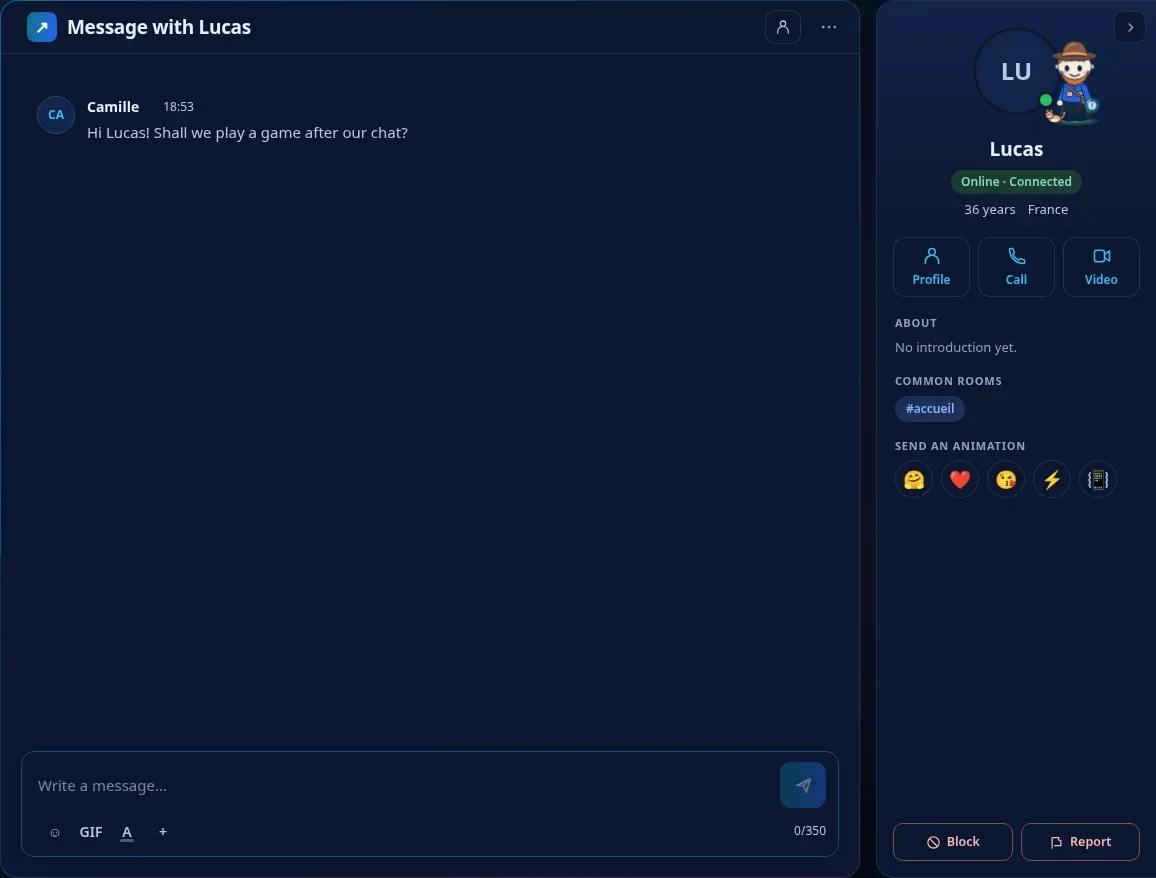
Chatting on the channel or exchanging messages privately between online members remains free. This is the core of Dialova: enabling people to talk to each other, without having to count every message.
Make Yourself at Home
The interface offers a light theme and a dark theme, according to your preferences. On a large screen, you have a comfortable view of the exchanges; on your phone, you can also access Dialova through the browser.
The idea is to keep a pleasant space, where people come both for an impromptu conversation and to reconnect with people they clicked with.
Want to Get Started? Create your account, choose a username, and join the welcome channel. All that's left to do is say hello.
The screenshots in this article were taken in Dialova using demo accounts. Click on a screenshot to enlarge it.
The discussion continues
Comments 0
Comments are public.
Loading comments...