
Dialova team ·
Poker, Block drop, and Snake: Play together in chat
A Poker table between members, a Block drop break, or a Snake challenge: discover the three games integrated into the Dialova chat, solo or multiplayer.

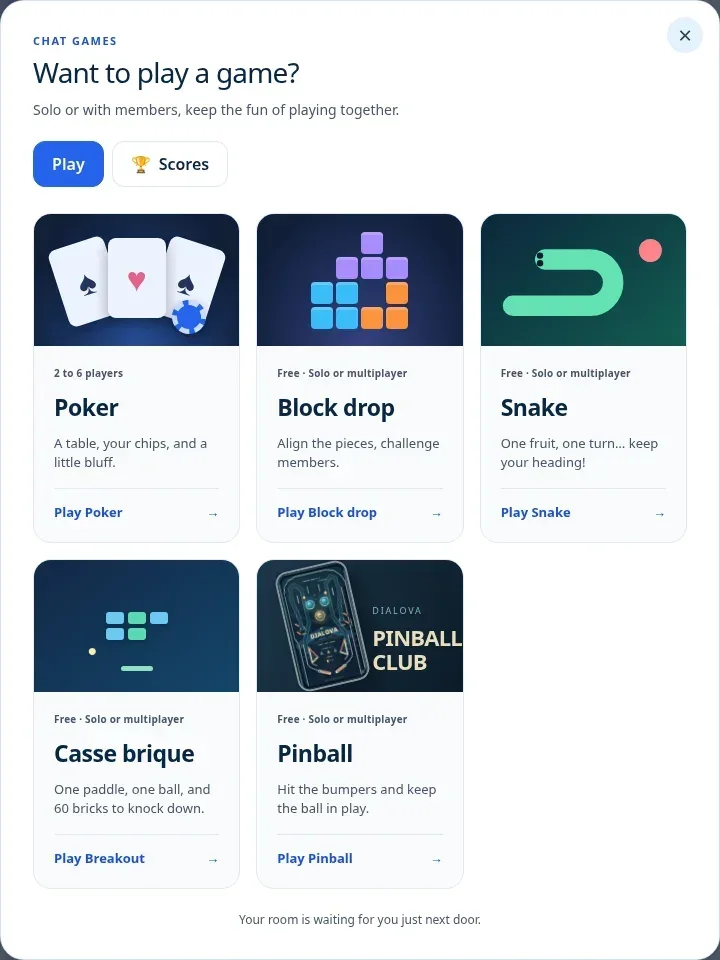
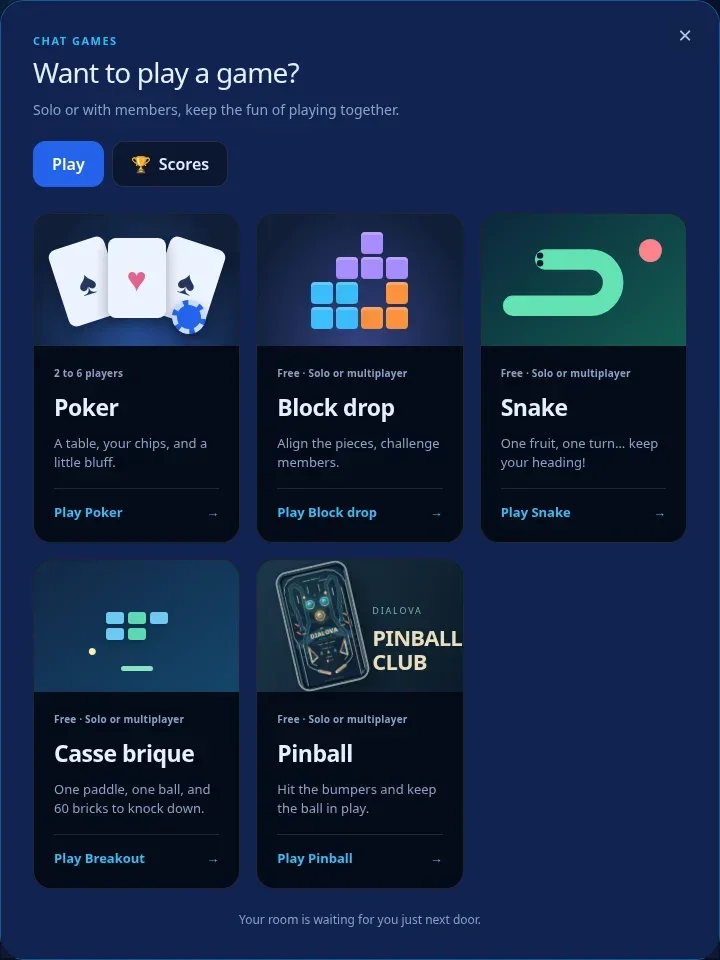
Fancy a game while you chat? Open Poker, Block drop or Snake directly in Dialova, then return to the conversation whenever you like.
No need to schedule a meeting on another site: your contacts are already there. Open Games, choose your game, and find the members of the room around a table, facing a grid of blocks, or controlling a snake.
The chat remains the meeting point
Games are part of the conversation. The Games button is located in the chat tools, near Channels and Join / tools. Choose a game to see its available tables or rooms.
Once you join, your game appears in a tab in the chat bar. You can return to the room to chat, then find your game again. The list of members is within reach: click on the actions of a username to propose an invitation to your game.
Want to meet other players? Open a public table or game. Prefer to play with a few regulars? Choose a private game and invite them. Play with the group that suits you.
Poker: a table between members, from two to six players
Dialova Poker uses Texas Hold’em: you have two cards of your own, with five community cards revealed as the hand develops. Nicknames, bets and chips help you follow the table, while your private cards stay visible only to you.
Any member can create a table and choose its name, number of seats, chip buy-in, blinds and turn timer. Tables seat two to six players. You can also join an available public table.
When the players are ready, the table’s creator deals. Depending on the situation, you can fold, call, check, raise or go all-in. Community cards appear in stages, bets build the pot, and the hand is settled before the next one begins.
Part of the fun happens around the cards: an invitation in a chat room, a friendly challenge and a return to the conversation afterwards. Sound effects accompany the deal and player actions. If you prefer a quiet table, use the Sound on / Sound off button.
Chips let you follow the hand and the actions around the table. The main idea is to enjoy a game and a conversation together.
Block Drop: Solo Puzzles or Multiplayer Challenges
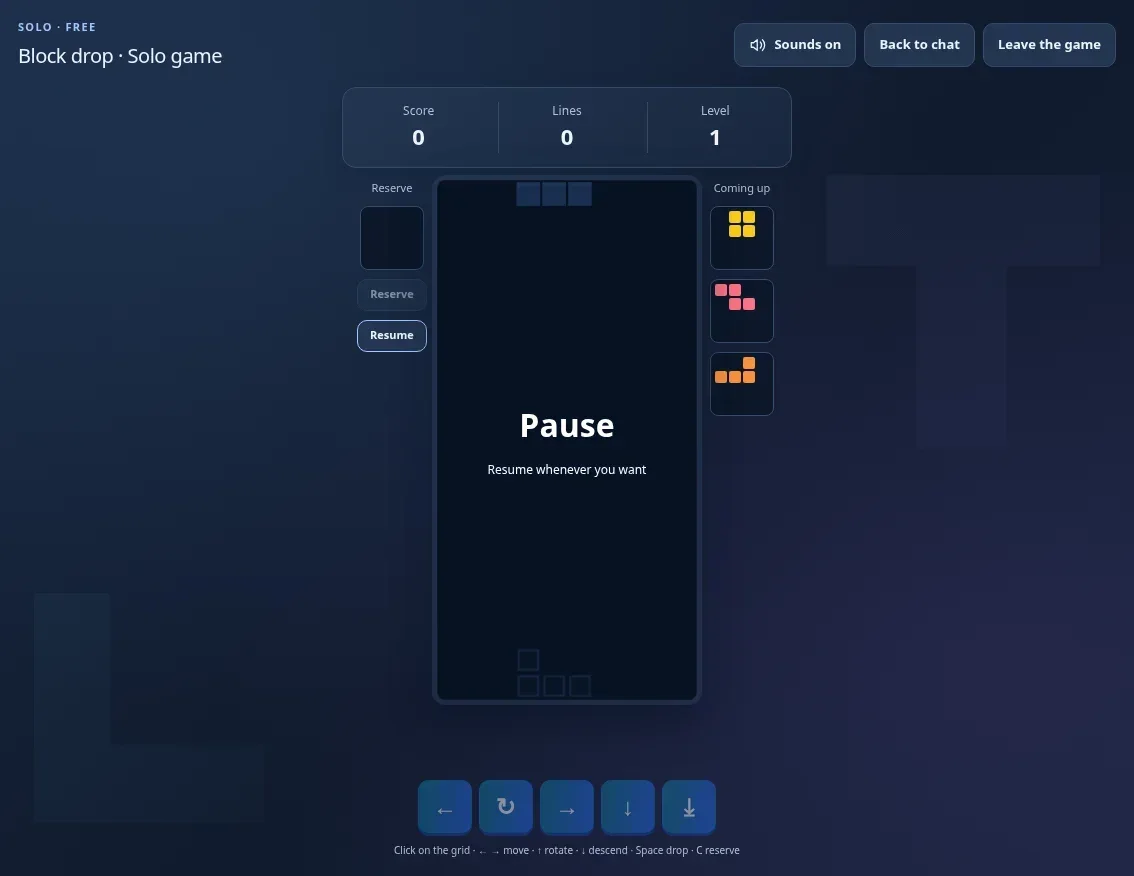
Know that moment when one well-placed piece clears several lines? Block drop brings that feeling to Dialova, with a clear grid, a preview of upcoming pieces, a hold slot and a guide showing where the current piece would land.
Block drop is free to play.
Play at Your Own Pace
The Play Solo button starts your game. You increase your score by placing pieces and completing lines; the level progresses, and the drop speed accelerates. The reserve lets you keep a piece for a better moment, while the preview of the next pieces helps you prepare your placement.
Need to respond in the chat? Pause the game, then return to the chat. You can resume whenever you like. At the end, you can replay to try and do better.
Multiplayer: Lines Become a Challenge
A multiplayer game accommodates two to four members. Each player indicates they are ready, then the creator starts the countdown. Everyone receives the same sequence of pieces: it's up to you to place them better!
Small opponent grids let you follow the game at a glance. Completing multiple lines at once sends gray lines to an opponent; your own lines can also neutralize incoming ones. You need to keep space, anticipate, and stay in the round. The last player still in the game wins.
The round continues when you return to chat: pausing is reserved for solo play. For a new multiplayer round, each player must declare they are ready again.
Keyboard, Touchscreen, and Sound Effects
On desktop, click the grid to play: arrow keys move and rotate the pieces, Spacebar instantly places them, and C puts one in reserve. On phones, touch buttons provide access to the same actions.
A soundtrack accompanies Block drop, with sound effects for movements, pieces placed, and lines completed. The Sounds on / Sounds off button toggles both the music and the effects, and saves your choice for next time.
Snake: Another Fruit, Another Turn
A snake, a few fruits, and the desire to last a little longer: Snake joins the Dialova games, free to play, solo or with other members. The concept is understood in seconds, but keeping your cool as the snake grows is another story!
Solo: Beat Your Own Score
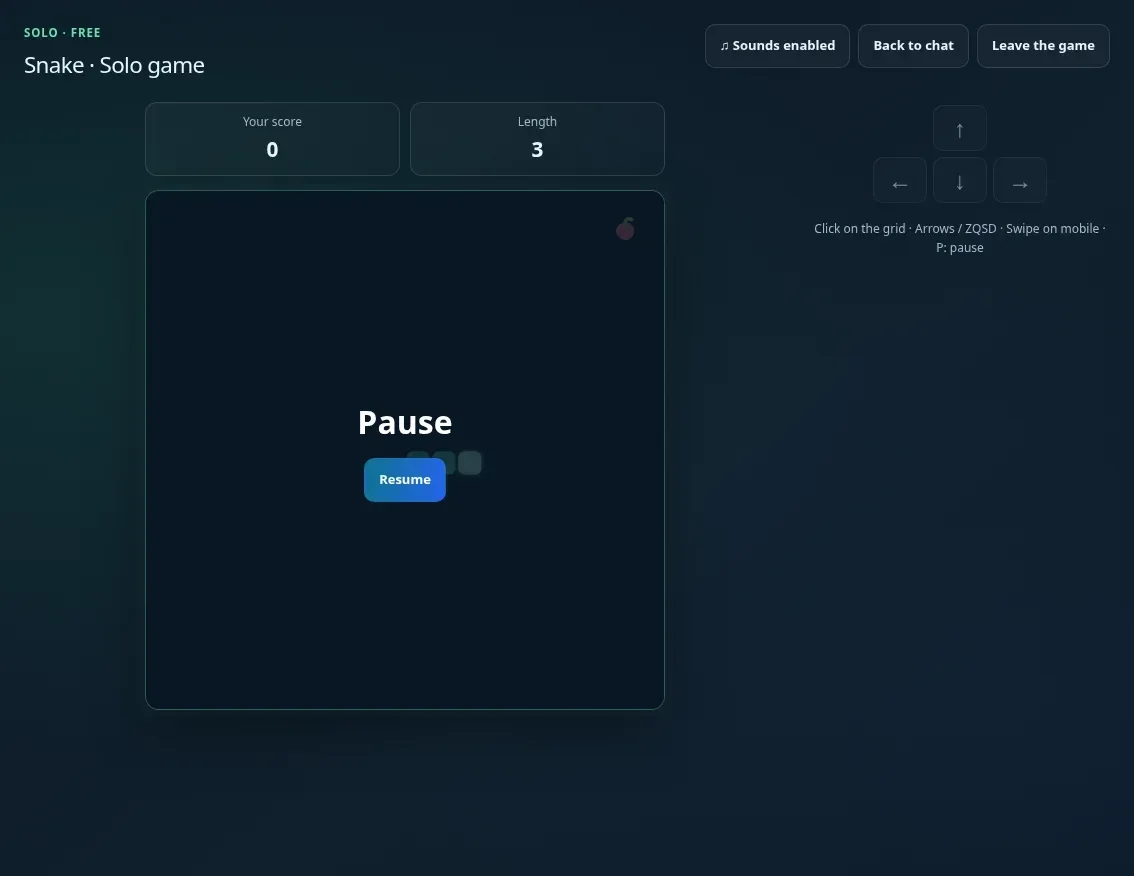
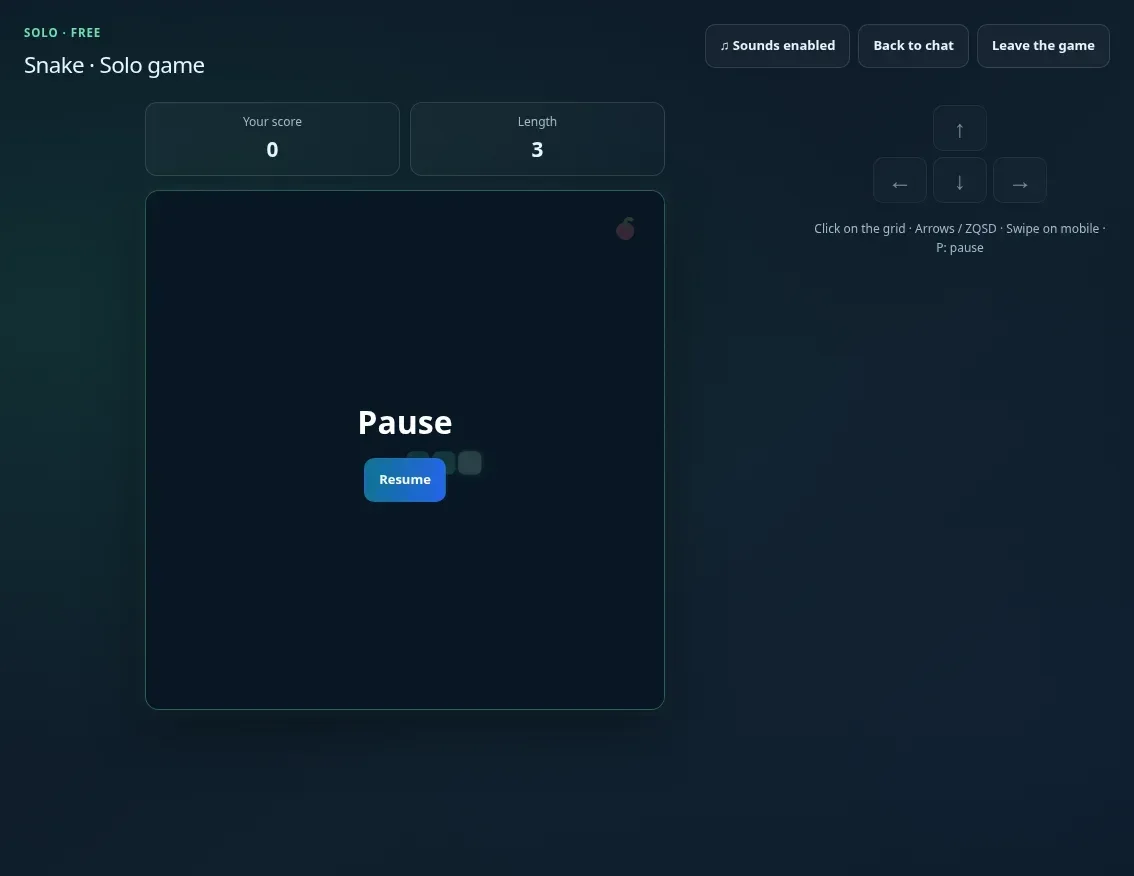
Guide the snake towards the fruits to make it grow. Each fruit is worth 10 points, and the speed increases as your score progresses. Anticipate your turns: touching a wall or your own snake ends the game.
A discussion waiting for you in the chat room? Pause your solo game before returning to the chat, then resume when you're ready. You can also restart a game to try for a better score.
Two to Four Players: Who Will Last the Longest?
Create a public game to welcome other members, or a private game to play by invitation. You can invite someone from their username in the chat list, using the Games submenu.
Each player confirms they are ready, then the creator starts the countdown. Each player controls their snake on their own grid; the small grids of opponents allow you to follow others without leaving your game. No snake cutting you off: the challenge is to avoid your own mistakes. The last snake still in play wins the round.
With multiple players, the game continues if you return to the chat: save the discussion for after the last turn! The pause is reserved for solo play.
On Computer and Phone
On computer, direct the snake with the arrow keys, ZQSD, or WASD. On mobile, swipe on the grid or use the directional buttons. Sound effects punctuate the start, the fruits, and the end of the game; the Sounds on / Sounds off button allows you to choose your atmosphere.
Invite Someone, Start a Game
Next time you’re in the chat, offer a table to a few members or start a Block drop or Snake challenge. You can also start quietly in solo mode, while the conversation gets going.
Join the Dialova chat, open Games and choose your first game. The three games are ready: you’re the only thing missing.
The discussion continues
Comments 0
Comments are public.
Loading comments...