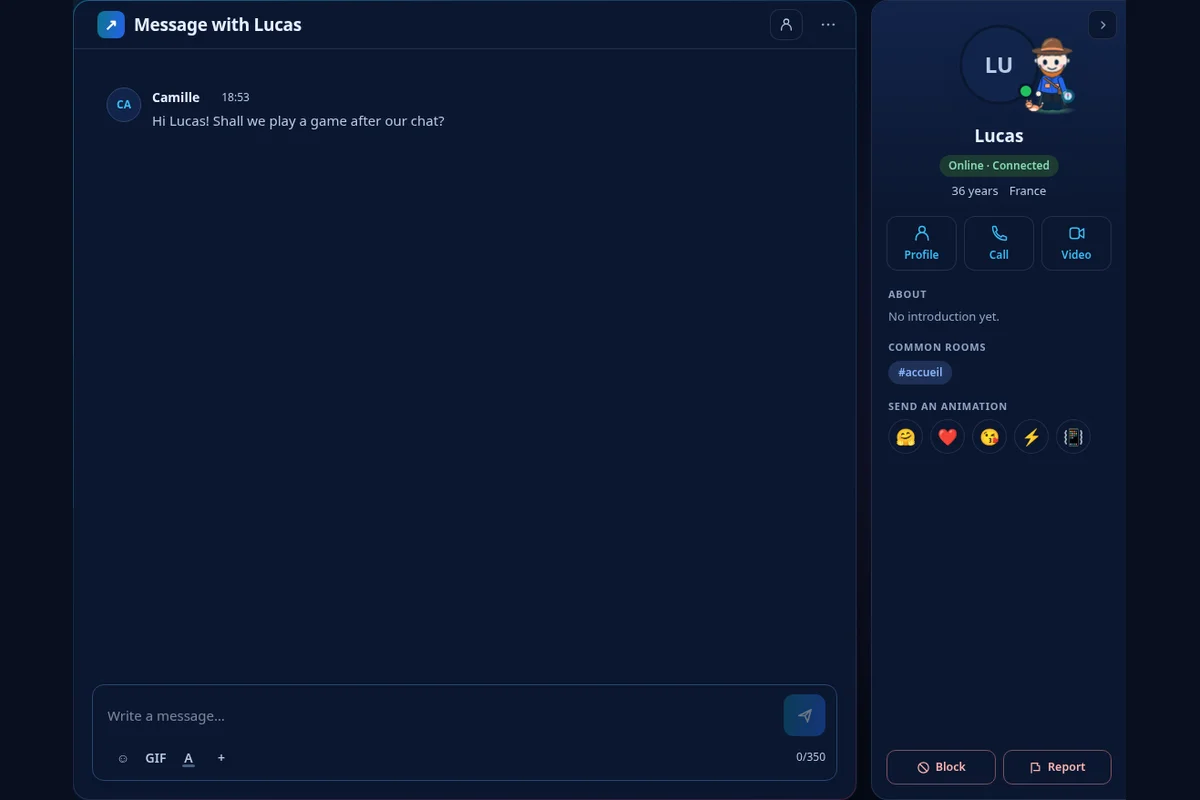
Can I choose who I chat with on Dialova?
Yes. You choose the rooms you participate in and the people you contact. A profile or nickname in the room allows you to open a private conversation; you aren't obligated to respond to requests you receive.
Move from the room to private
From the list of members of the room, open the nickname's actions and then choose Open a private message. From a profile, use Send a message. Each private message has its own tab, allowing you to return to the room whenever you like.
Also choose what you receive
In Settings, the Chat section lets you block unwanted private messages. You can also block a specific person from their profile. Blocking protects your private interactions on Dialova; it doesn't remove messages from a shared room with that person.